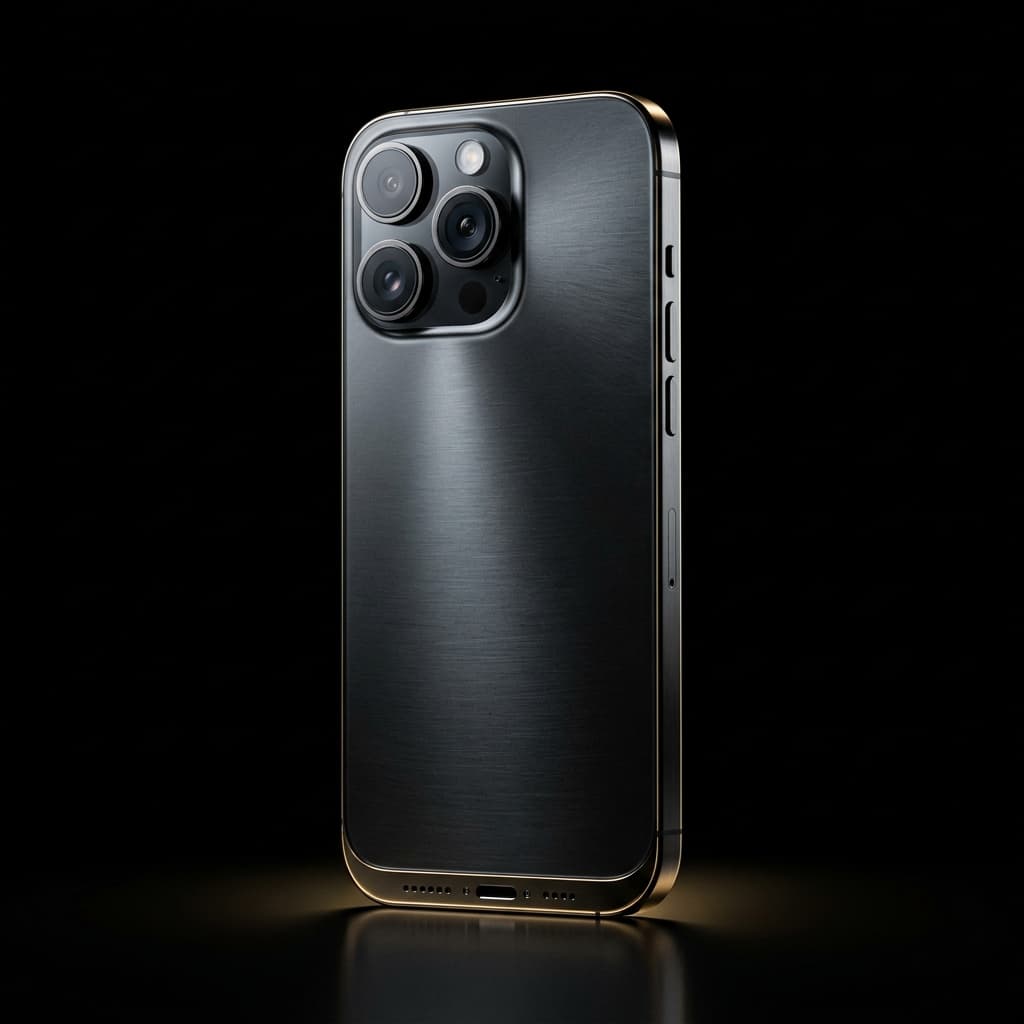
Ten years ago, a video that looked "like a film" meant a big camera, a crew of five and a budget most small businesses could not justify. Today the phone in your pocket can shoot 4K video with a soft, blurred background that looks like it came from a cinema lens. For shops, showrooms, cafés and brands in Mumbai, that changes everything.
What makes an iPhone video look "cinematic"?
A cinematic look is not about the camera alone. It comes from a handful of things working together:
Shallow depth of field — the subject is sharp and the background melts away, so the eye goes exactly where you want it.
Smooth movement — slow, steady moves on a gimbal instead of shaky handheld footage.
Light with intention — soft key light on faces and products, not flat tube lights.
Colour grading — a consistent, warm, premium colour look in the edit.
iPhone Cinematic Mode handles the first part brilliantly. The rest is skill: where you stand, how you move and how you finish the footage.
Why it suits Mumbai businesses
1. It fits into real shops and real crowds
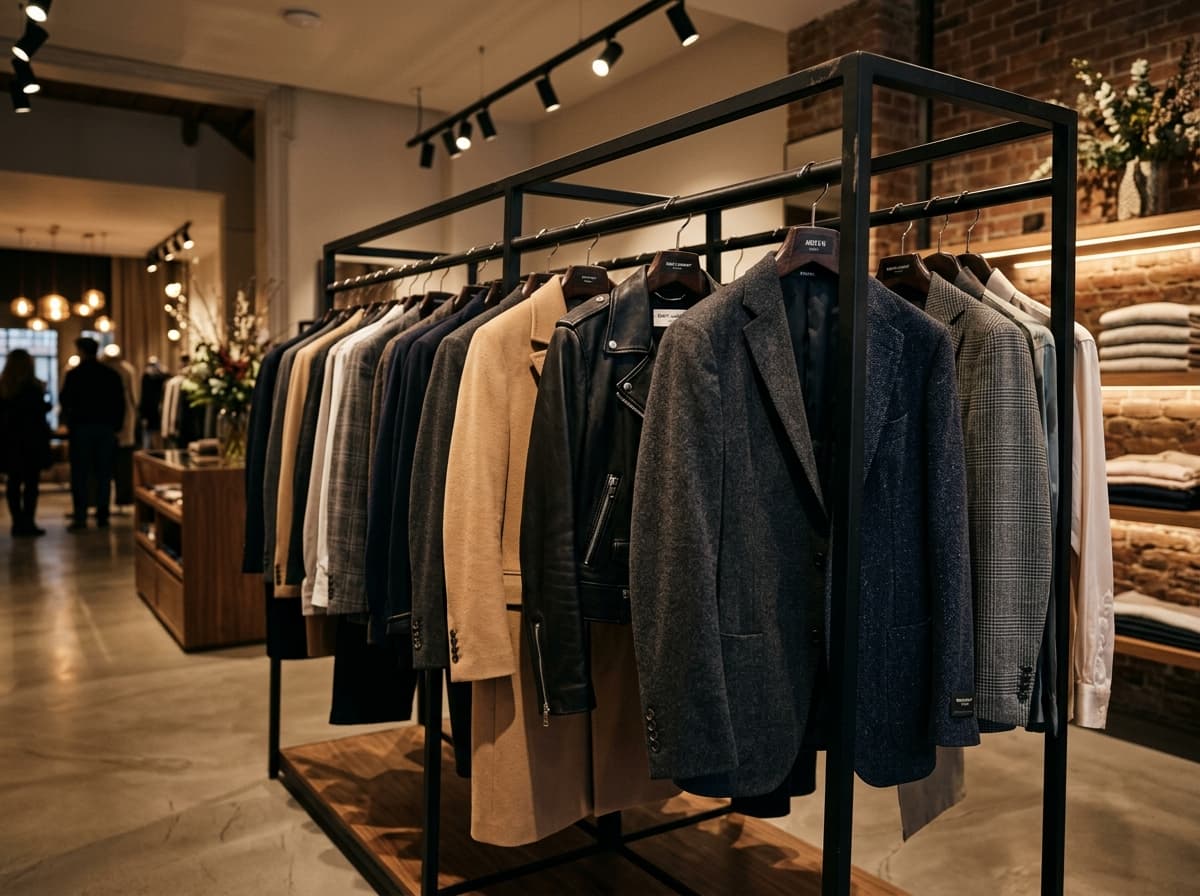
A small setup means we can film in a busy Linking Road boutique or a packed restaurant without blocking customers. No trolley, no tripod forest, no permission headaches.
2. Faster shoots, faster delivery
Less gear to rig means more time actually filming. Most of our shoots finish in a few hours and the first edit reaches you within 24–48 hours.
3. Made for vertical, made for Reels
Instagram Reels and YouTube Shorts are watched on phones. Shooting on a phone, framed for 9:16 from the start, means nothing important gets cropped out later.
The best camera is the one that lets you capture the moment without getting in its way.
What you still need: the craft
A phone does not make a film by itself. The difference between a "phone video" and a cinematic one is planning the shots, controlling light, recording clean sound and editing with rhythm. That is the part we bring — see our video services for what a typical shoot includes.
Quick checklist before your first shoot
Decide the one thing viewers should feel or do after watching.
Pick your best-looking corner, product or moment.
Clean and declutter the space — the camera sees everything.
Plan one video for Reels and one wide version for your website.
Want to see the results first? Browse our portfolio, or tell us about your business and we will suggest the right shoot.